All articles
I have missing data or my app is not up to date
If you have missing activities or the app doesn't seem to have all the correct information, you can force a re-sync of all the data stored in the cloud by doing the following:
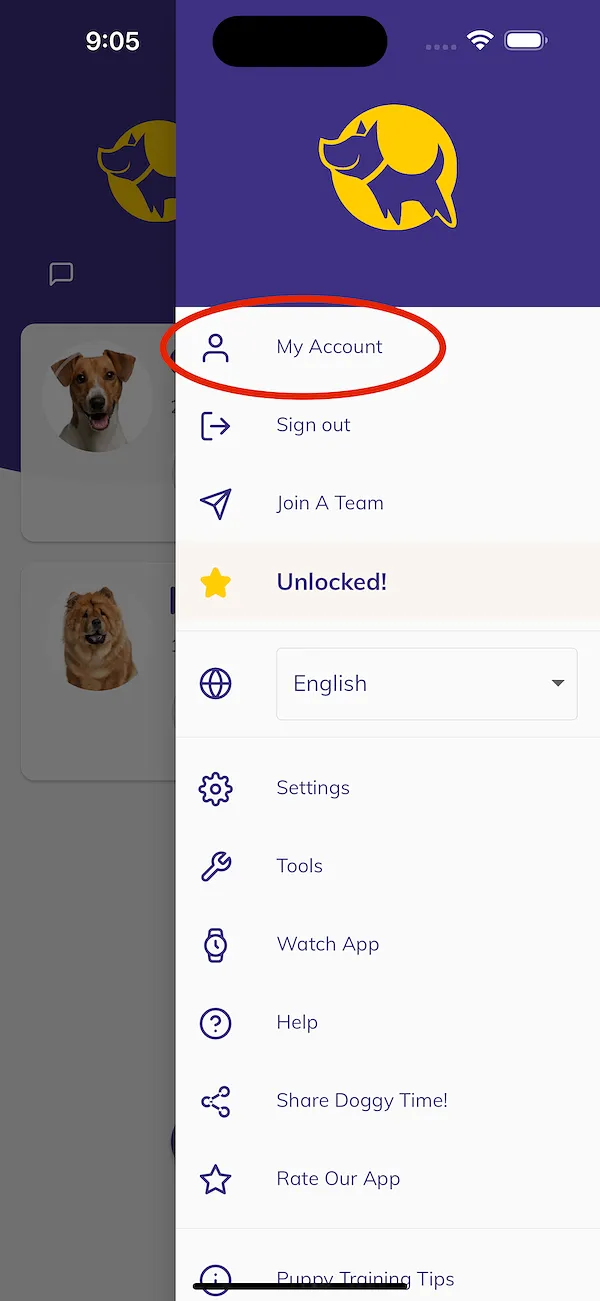
- Go to Settings > My Account
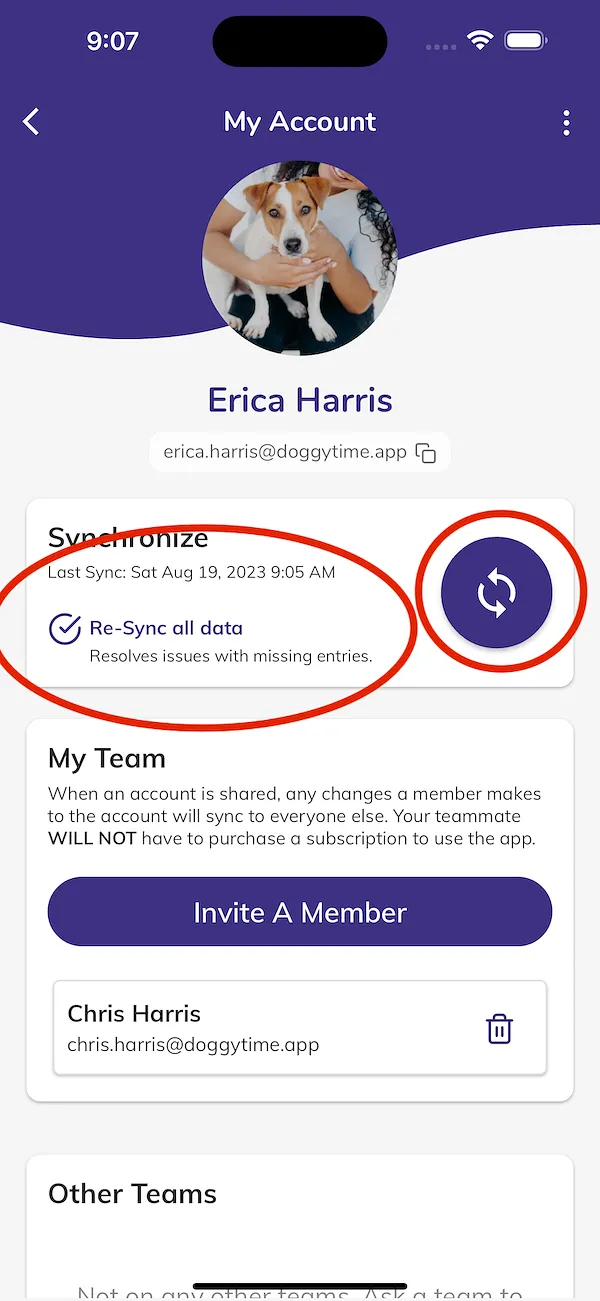
- Check the "Re-Sync" all data box and tap the sync button