Share the care
Premium
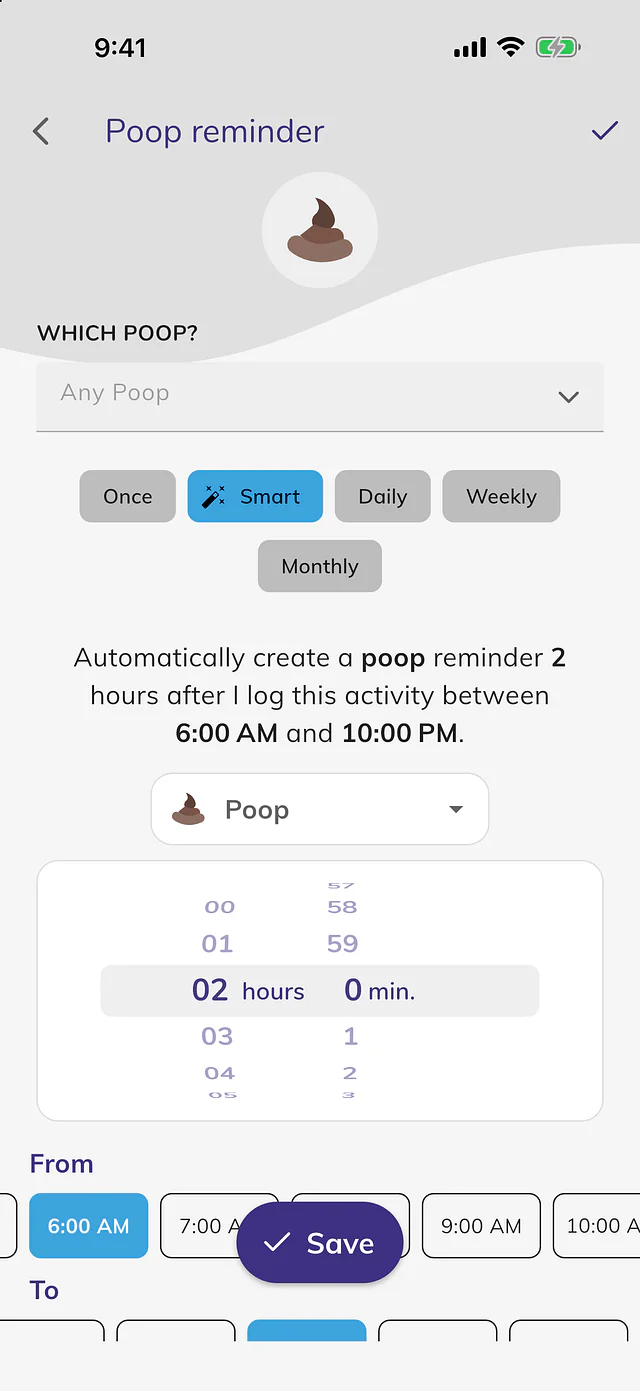
Log it once. Everyone sees it.
Invite a partner, family, walker or sitter. Choose which pets each person sees, and send reminders to the whole team.
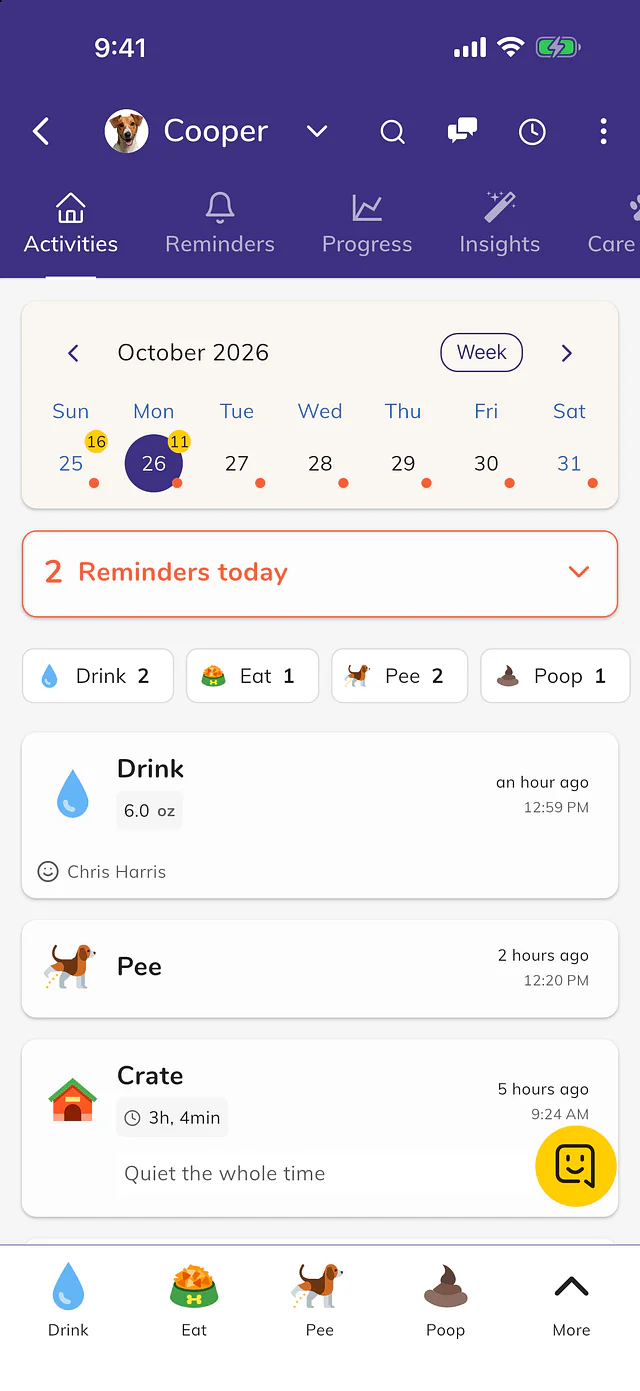
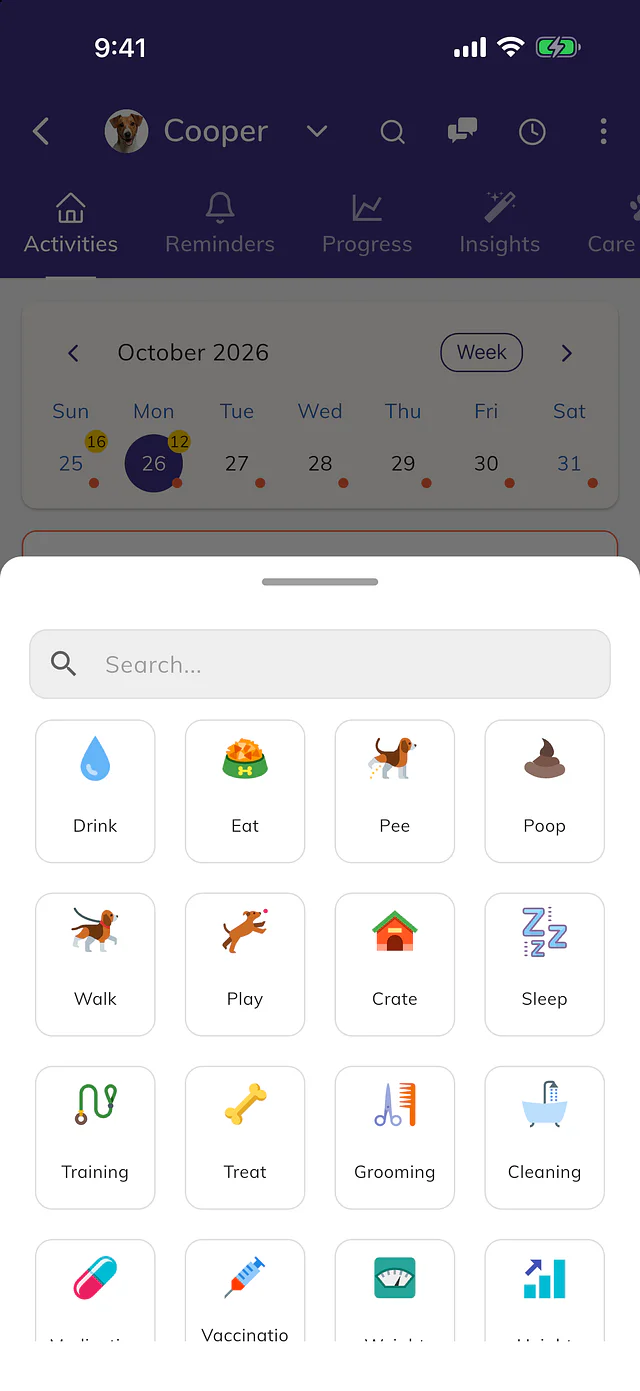
Potty breaks, meals, walks, training and vet records for 50 kinds of pets, from dogs and cats to rabbits and birds. Free to start.

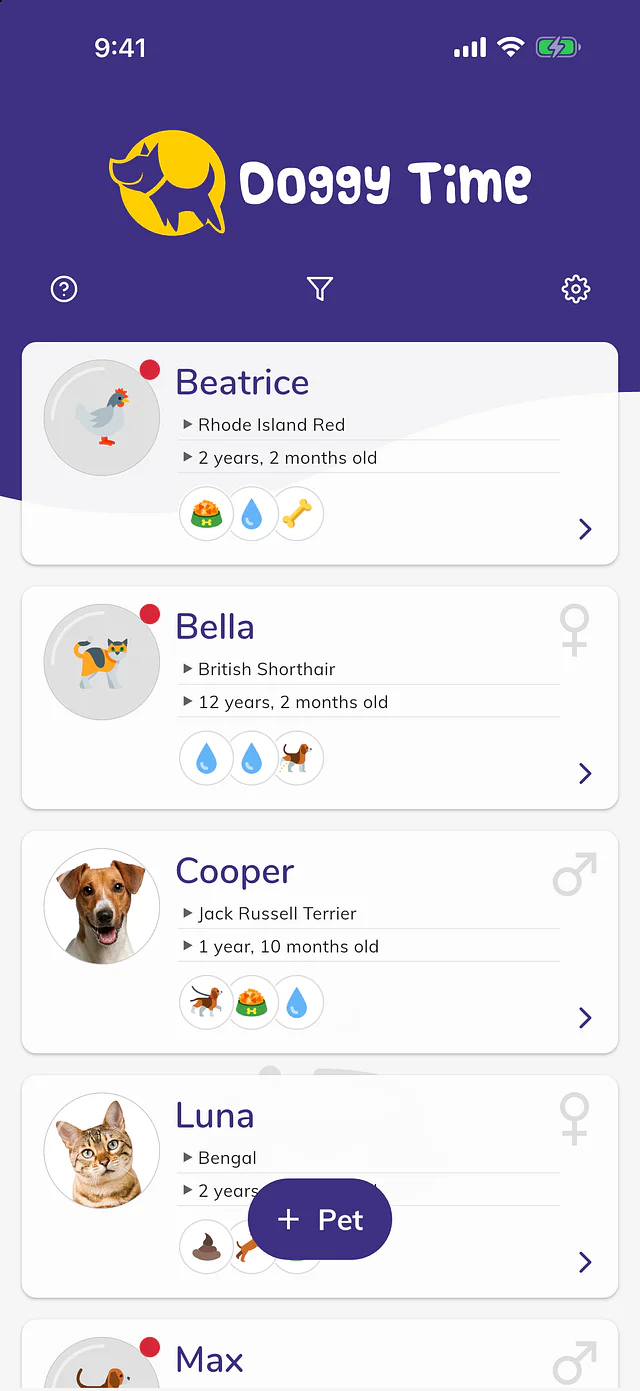
Invite a partner, family, walker or sitter. Choose which pets each person sees, and send reminders to the whole team.
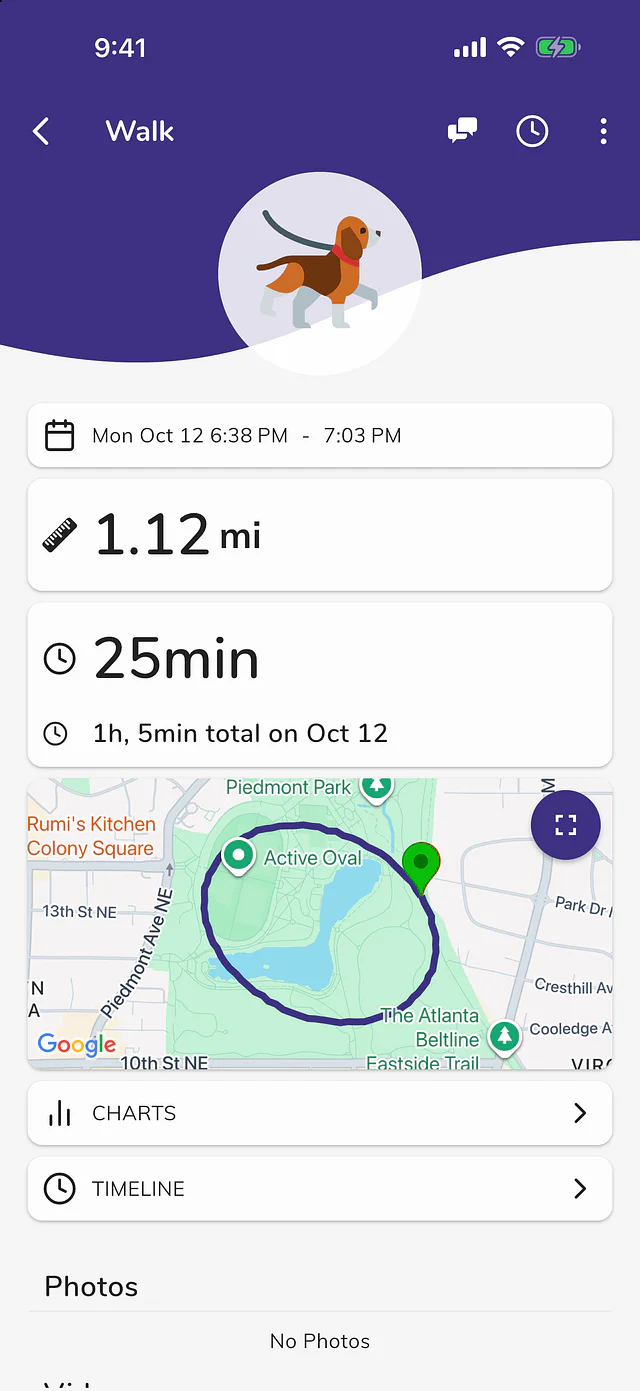
GPS routes, distance and live progress for the family, with a history of every walk.
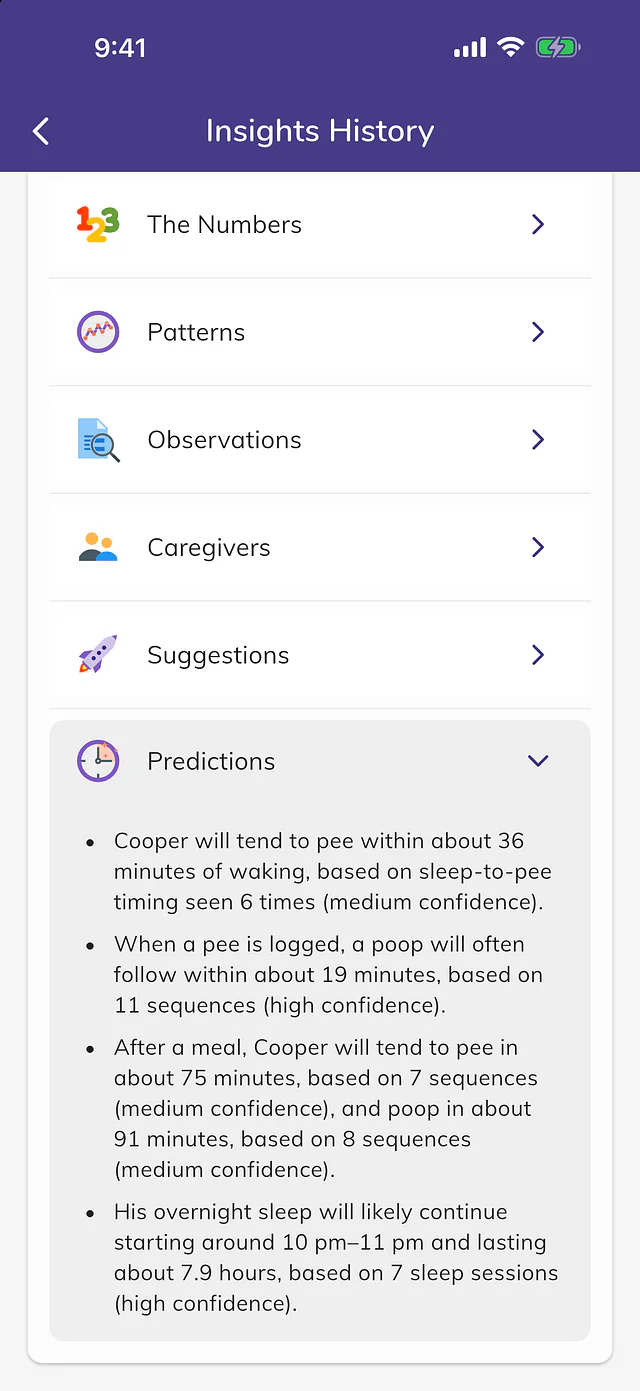
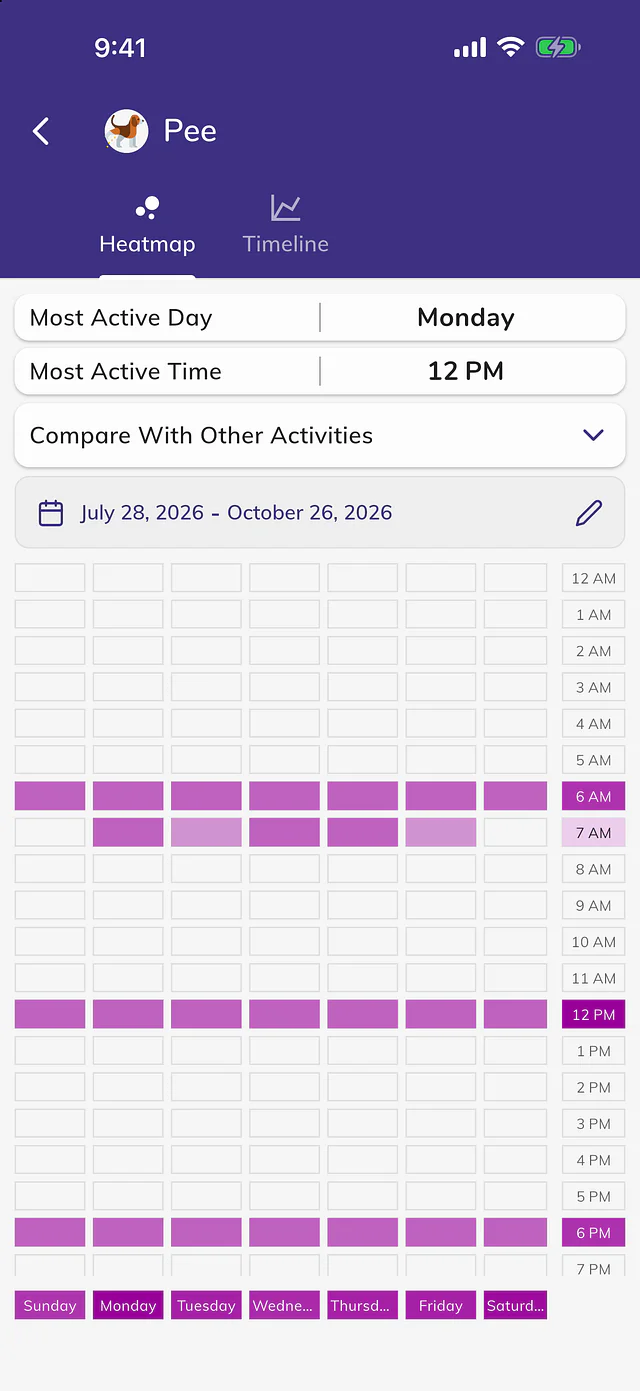
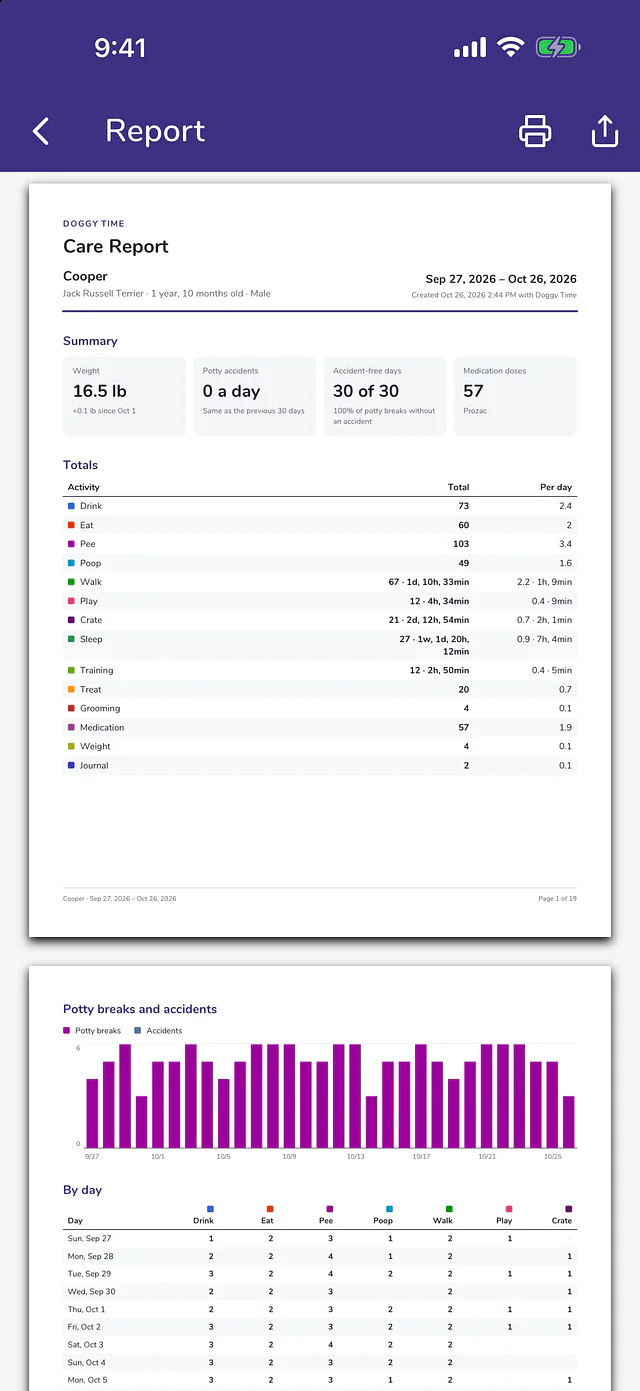
Potty, sleep and meal routines over days and weeks.
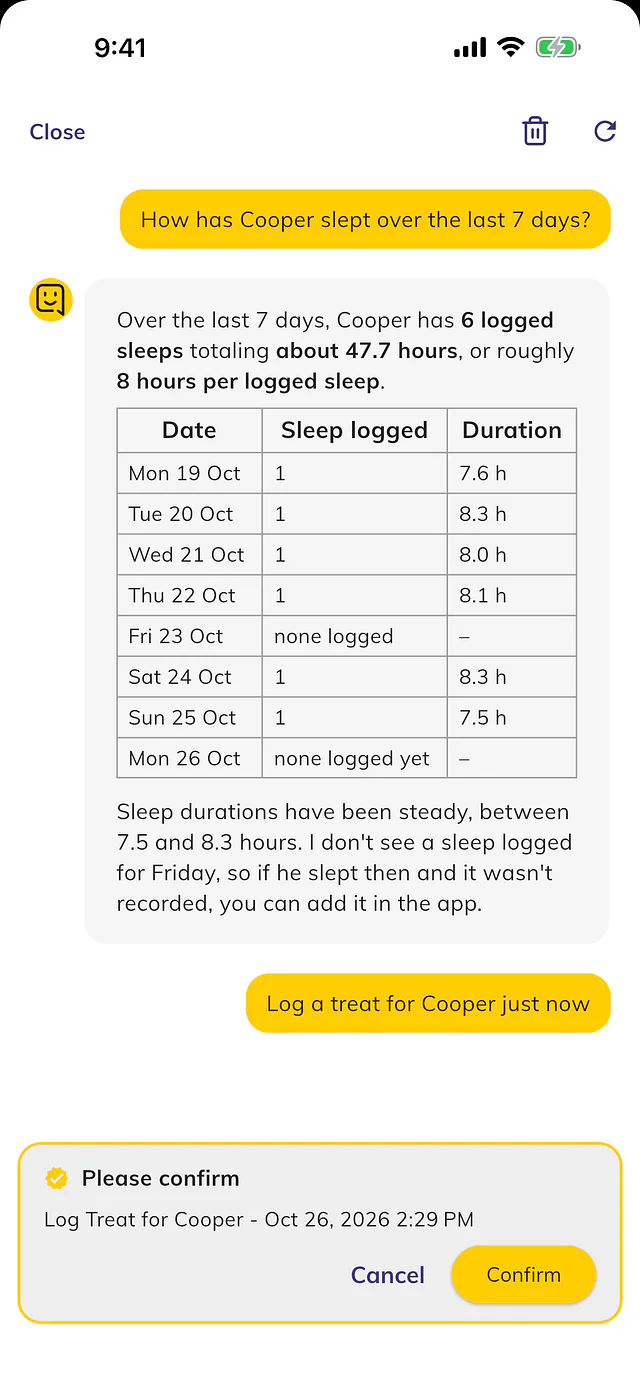
Ask when your dog last went out, or log a meal, and the assistant answers from your pet's log.
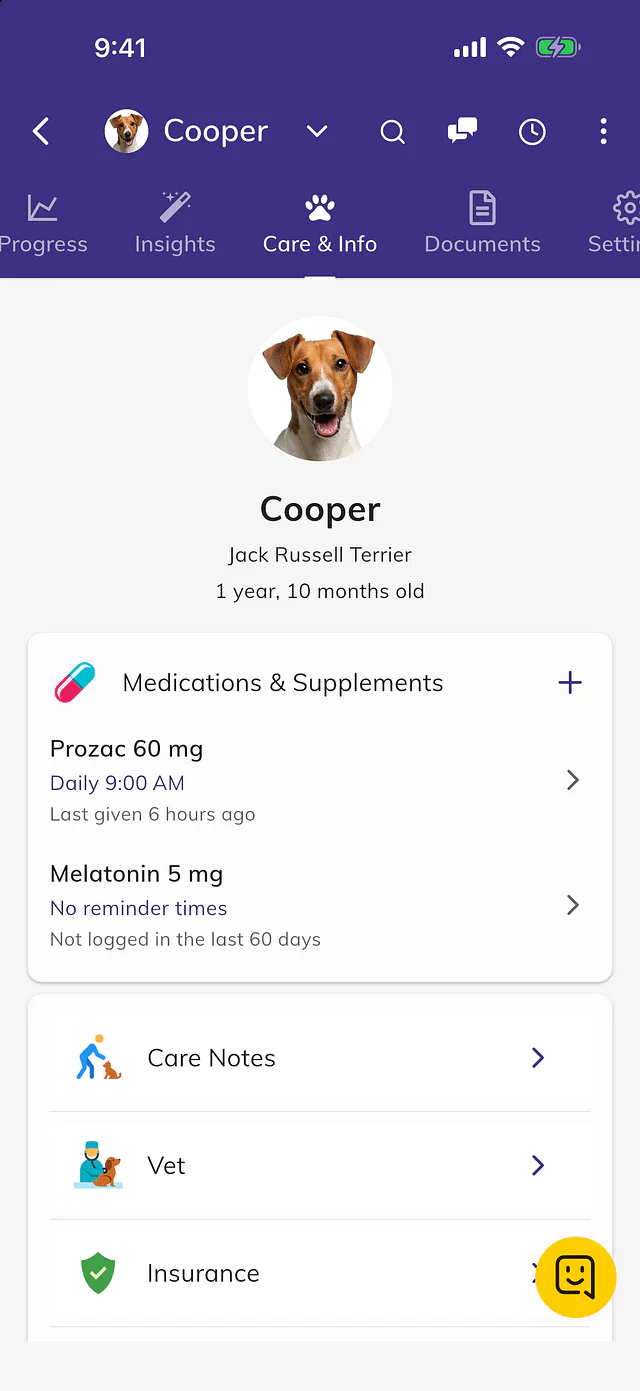
With a reminder before a vaccine or document expires.
Apple Watch and Wear OS, with or without your phone.
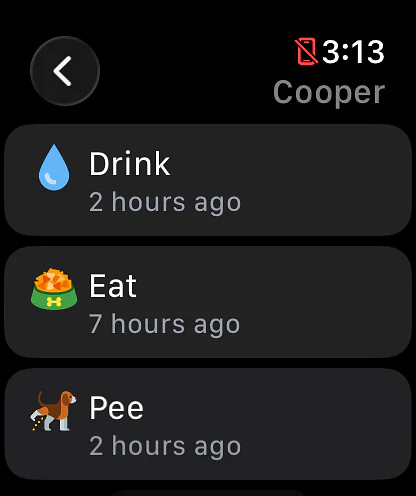
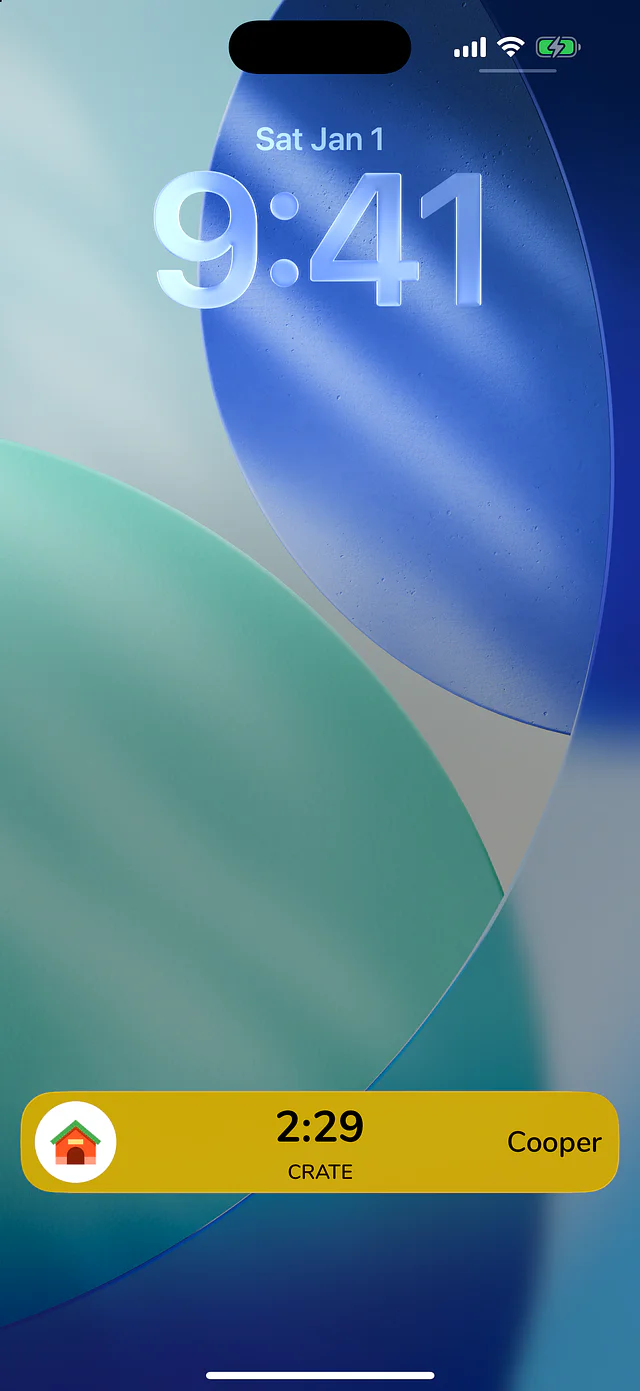
One tap logs a potty break or a meal, and walk and nap timers run on the Lock Screen.
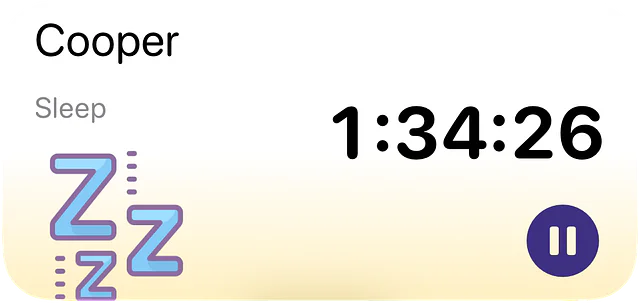
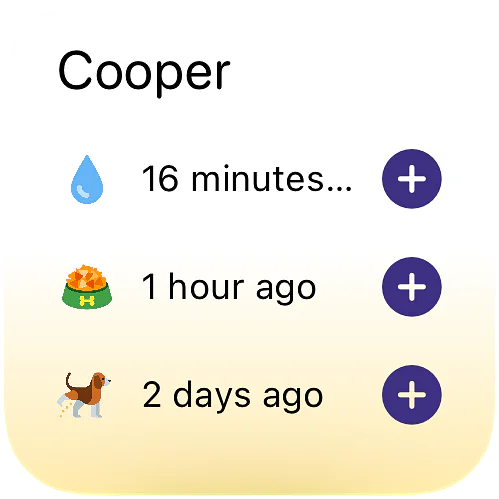
Log a potty break, ask when your dog last went out, or hear how the day is going, on iPhone.
Ask Tibbs a question, or log something in one sentence. Answers come from the family's shared log.
 Max's log
Max, a 14-week Golden Retriever
Max's log
Max, a 14-week Golden Retriever
Everyone in the family sees each entry as it is logged.
 Tibbs
Doggy Time assistant
Tibbs
Doggy Time assistant
A sample family. Tibbs answers from their log only. Questions you type are kept for 90 days to improve the demo.
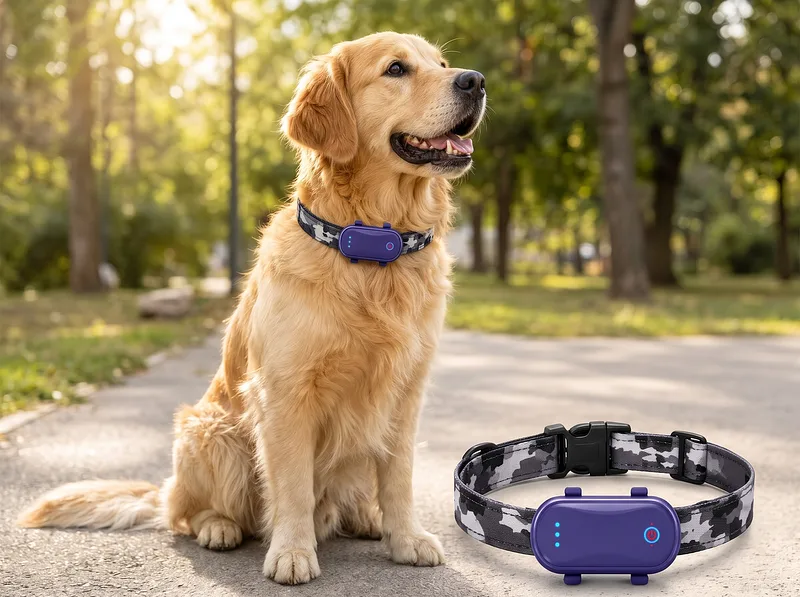
Every walk, logged by the collar
This site is protected by reCAPTCHA, and the Google Privacy Policy and Terms of Service apply.
A Game Changer for Puppy Parents
I have felt that almost every app I've ever downloaded has been relatively useless and quickly canceled so I didn't have high hopes for this when I downloaded this to help my husband and I keep track of our new Havanese puppy. We've both raised dogs in the past and agree this is a game changer! I love how easy to use it is and how you can customize things. For example we have indoor grass patch pee, outside potty spot pee, and other pee as well as accident pee. I argue this is also a marriage saver as it's been great to be able to look back at the history when one of us has been gone so we know what's happened without the other person having to explain everything and it's helped us be more supportive of each other too, for example if I quickly transition from potty time to training my husband will sometimes start the timer if he sees I have my hands full. I highly recommend downloading the widget so you can more quickly record things too which is especially great for recording late night pees when you're half asleep.
I absolutely love this app! As a first-time puppy owner, it made tracking everything so much easier. We log food, potty breaks, sleep, and more, and I can share the account with my husband so we're always in sync. I even use it on my smartwatch. The graphs make it easy to spot patterns, and the AI feature provides genuinely helpful insights based on our puppy's activity history. This was a lifesaver from day one. Highly recommend for new puppy owners! 🐶❤️
Worth the money
Tried several similar apps and this one was the most comprehensive for tracking everything you can think of, from medications, to naps, to vaccinations, and more. The nap timer was especially useful for when our pup was young, and the medication tracker when they got sick. Each field is very customizable and really helps you notice patterns in your dog that you can share with your veterinarian.
The fact that both my partner and I could track and see what the other had done (and add notes) is incredibly useful.
Would recommend for pet parents who are very health and training focused.
From the Doggy Time help center.
Open the app's menu or Settings and tap Sign In, then choose Sign in with Apple, Sign in with Google, or your email. Email sign-in sends a 6-digit code to check. Read the article
Your data loads after you sign in, so wait a minute. If it's still missing, check you're using the email you first signed in with, then re-sync under My Account. Read the article
Tap the gear icon, then My Account and My Team. Tap Add Member and share the invite by SMS, Email, WhatsApp or QR code. You need Premium to invite people; they don't need their own. Read the article
Free covers one pet with unlimited logging. Premium unlocks everything else for your whole household, and everyone you invite into your account gets Premium at no extra cost. Read the article
Apple or Google handles cancellations and refunds, so cancel in your iPhone Settings under Subscriptions or in Google Play, not by deleting the app. You keep Premium until the period ends. Read the article
On iPhone, open Settings, tap your name, then Sign in with Apple, Doggy Time and Delete. Wait a few minutes and sign in again; your data is kept. On Android, sign in with that email. Read the article
Doggy Time
Puppy Weight Calculator
Predict your puppy's adult weight based on their current age and size. Get an estimated weight range and growth...
Try it
Doggy Time
Puppy Walk Calculator
Calculate how long and how often to walk your puppy or adult dog using the 5-minute rule, with size-based limits that...
Try it
Doggy Time
Dog Calorie Calculator
Calculate your dog's daily calorie needs based on their weight, age, activity level, and health goals. Get...
Try it
On iPhone, iPad, Android, Apple Watch and Wear OS.