All articles
I am having issues signing in with Apple (Doggy Time)
If you are having issues signing in with Apple:
- On your iPhone, go to Settings , then tap your name.
- Scroll down to and tap Sign in with Apple.
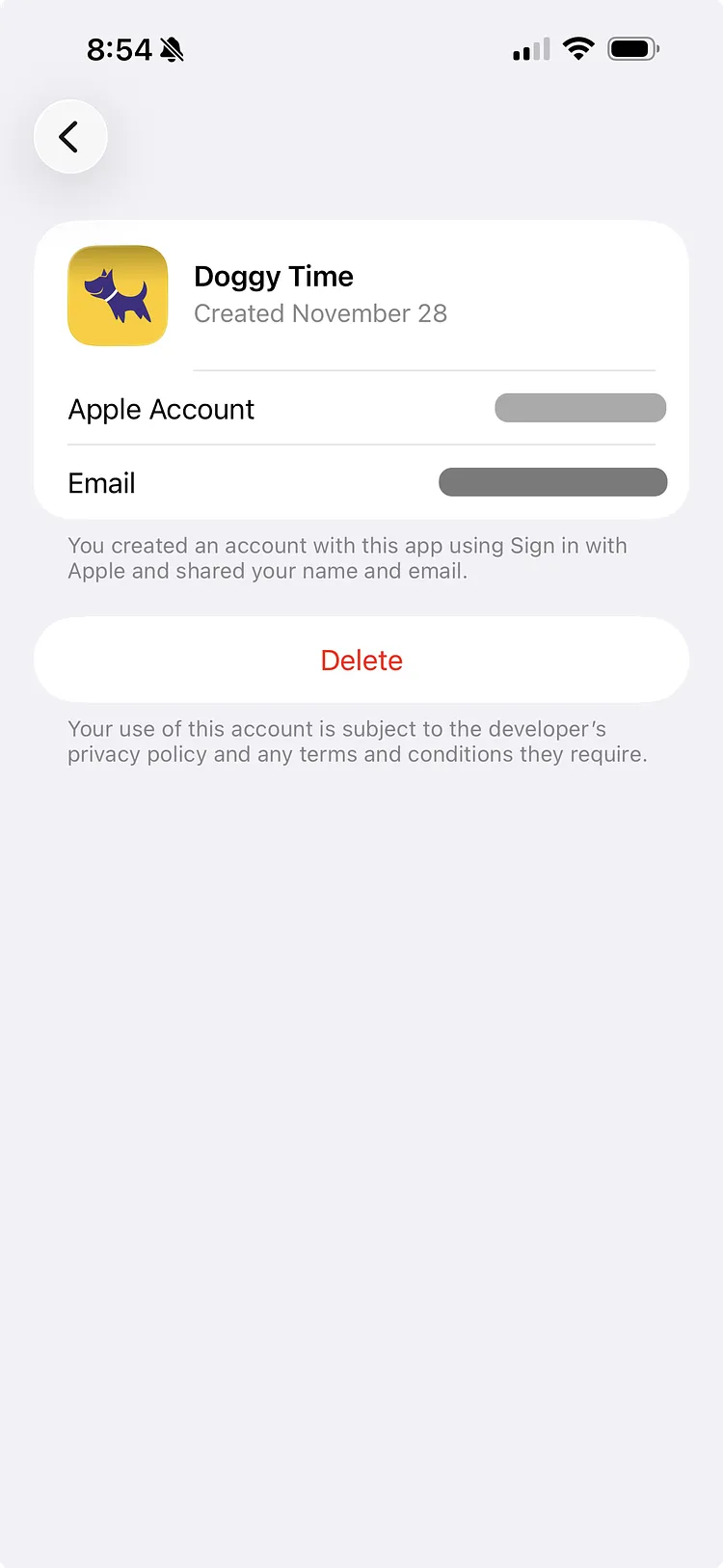
- From the list of Apps and Websites, find and select Doggy Time
- Tap the Delete button and select Stop Using to disconnect Doggy Time from Sign in with Apple. This does not delete your data from Doggy Time.
- Wait a few minutes then try to sign in again with Apple.